Local Payment
Local Payment Gate Way
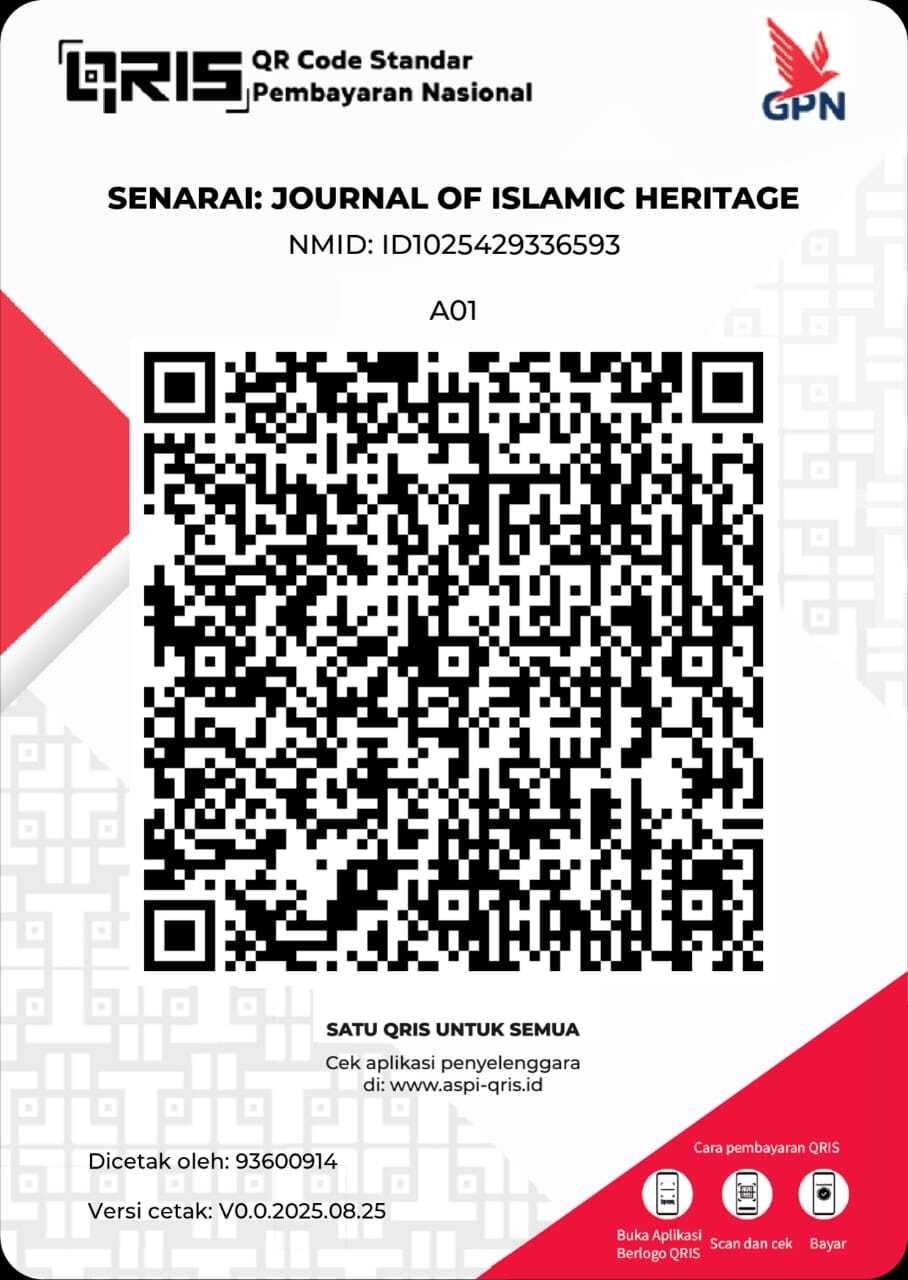
Pay your Article Processing Charge (APC) via QRIS using your preferred Indonesian bank app.
BRI BNI BCA Maybank PermataBank Bank BJB
How to Pay via QRIS
- Open your mobile banking or e-wallet app (BRI, BNI, BCA, Maybank, PermataBank, Bank BJB, etc.).
- Choose QRIS / Scan to Pay.
- Scan the QR code provided by our editorial office or upload the QR image if available.
- Enter the exact APC amount stated in your invoice.
- Review the merchant name and amount, then confirm the payment.
- Save the payment receipt or take a screenshot (this will be your proof of payment).
Notes per bank:
BRI Use BRImo → Scan.
BNI Use BNI Mobile Banking → QRIS.
BCA Use myBCA or BCA Mobile → QRIS.
Maybank Use Maybank2U ID → Scan & Pay.
PermataBank Use PermataMobile X → QRIS.
Bank BJB Use digibank by BJB → QR Payment.
Payment Confirmation
After completing your QRIS payment, please send a confirmation email to: tunasharapanummat@gmail.com with the subject “APC confirmations”. Attach your proof of payment (receipt or screenshot) and include the details below in the email body:
Please include:
- Article Title
- Article ID
- Payment Time (Date & Hour)
- Full Name of Sender
Quick template:
Or start an email draft: Open Mail App
Tips & Reminders
- Ensure the APC amount matches the invoice before confirming payment.
- If your app supports Upload QR, you can pay using a saved QR image.
- Keep your transaction receipt until the editorial office confirms your payment.
- For any questions, reply to your editorial email thread for faster assistance.
Thank you for supporting open access publishing.